This article will show you the steps for accessing the domain users from the email service domain administrator account.
The email account must have domain administrator privileges.
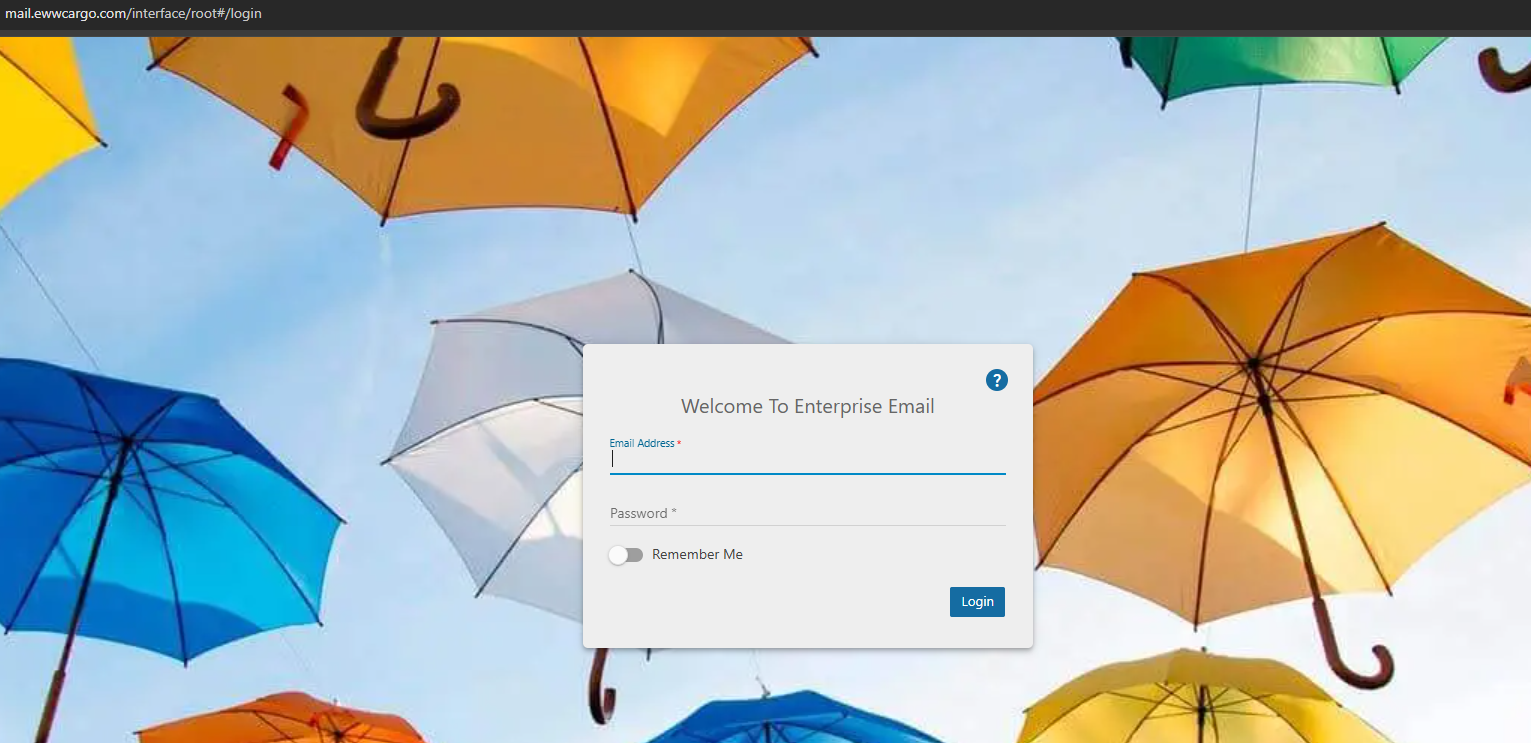
Step 1: Log in to the webmail via https://mail.yourdomain.com (replace yourdomain.com with your own domain).
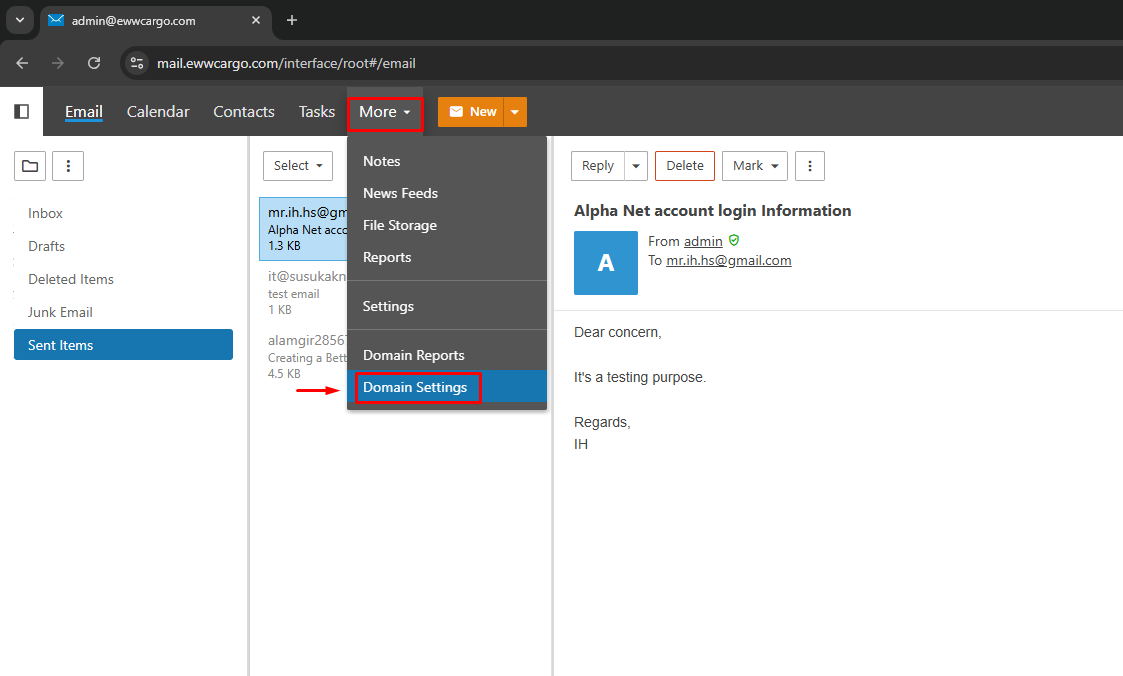
Step 2: Proceed to Settings → Domain Settings → Accounts.
Step 3: You will be able to view the domain users
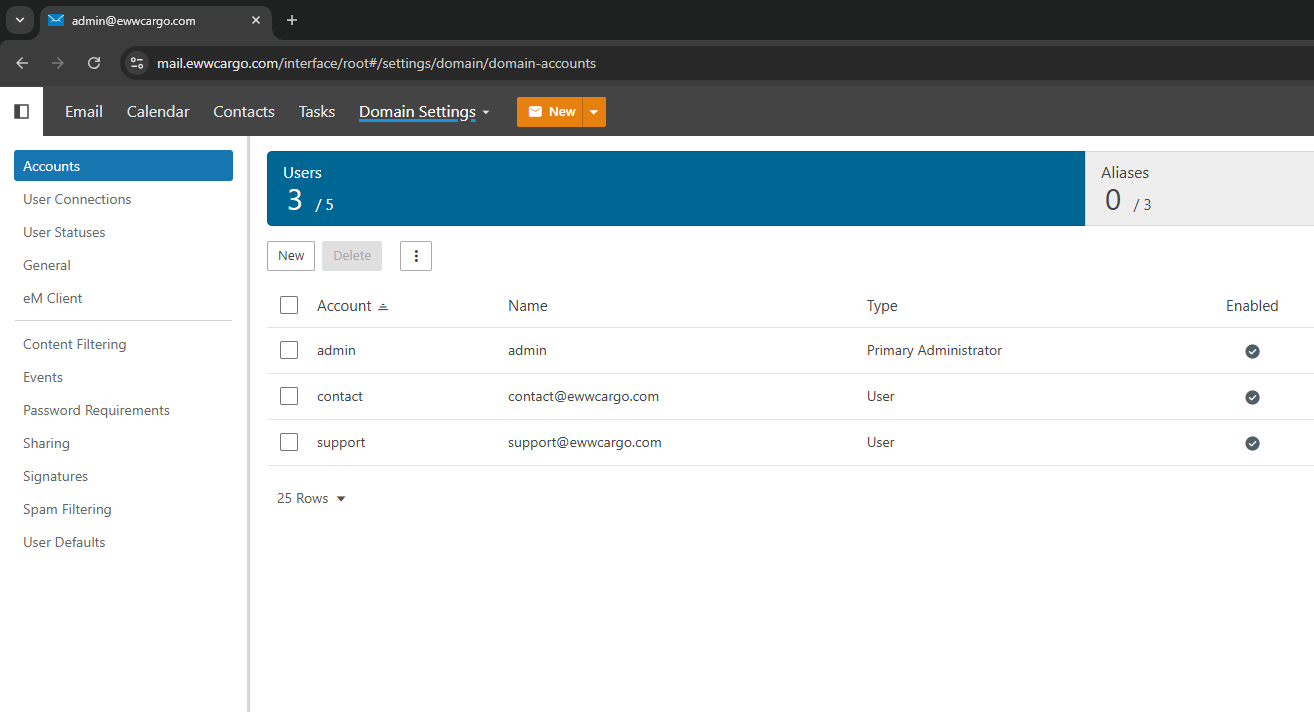
Now you can manage the domain users as needed
