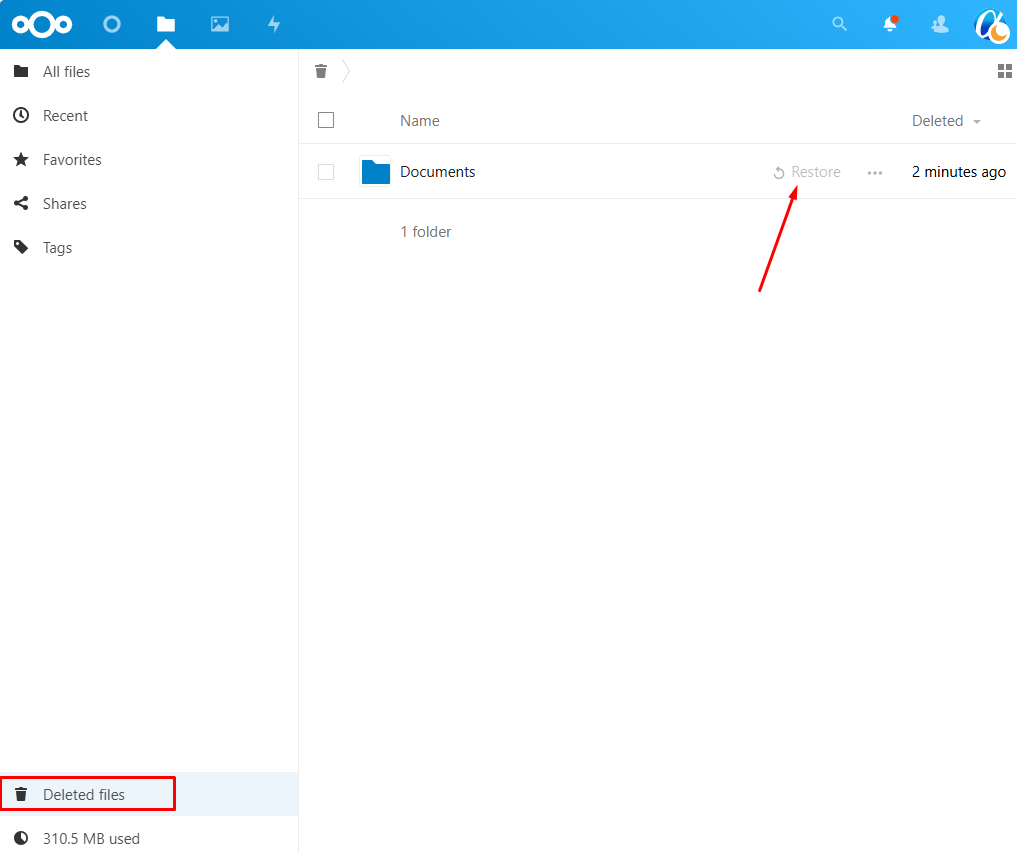
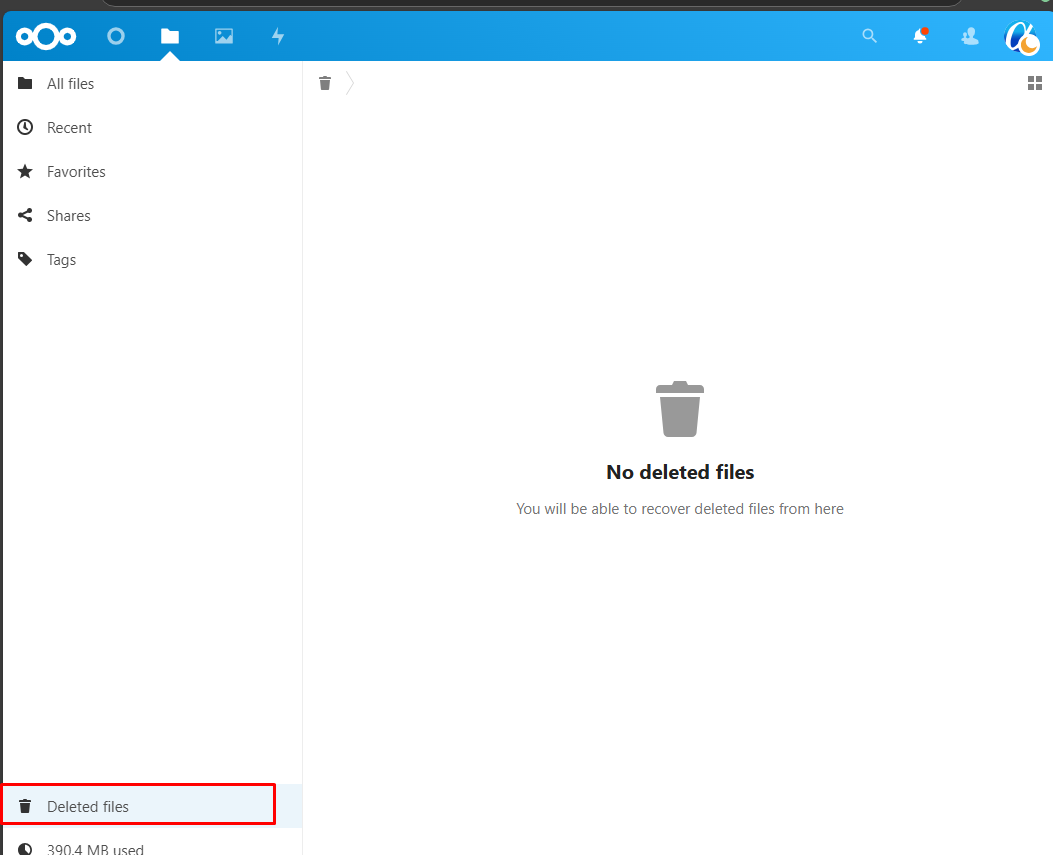
Step-by-step process for cloud storage Account Files Deleted and Restore
Step 1. Login to cloud storage.
The first step is to login to your cloud storage account, this can typically be accessed by going to http://demo.cloudstorage.link/
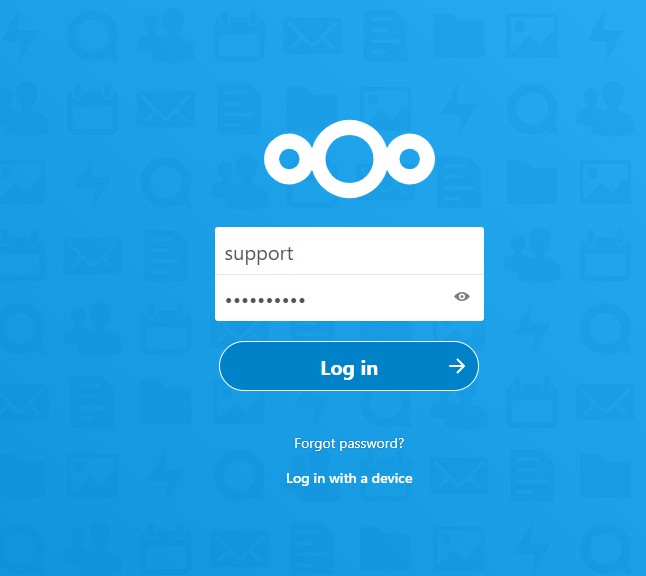
Your cloud storage account Login Interface should look like this.
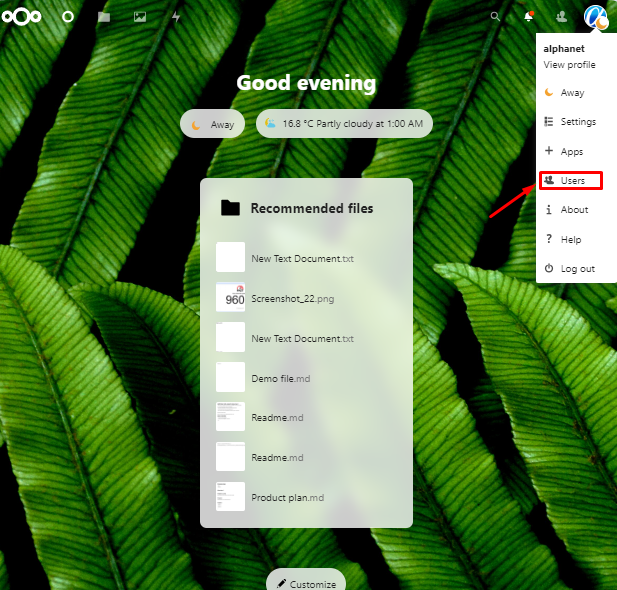
Step 2. After logging in to your cloud storage account, the homepage should look like this. Please click on your cloud storage account profile icon.
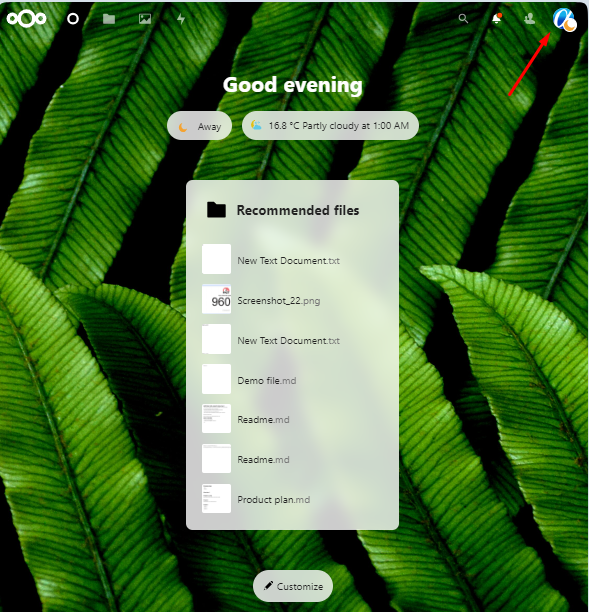
Step 3. After clicking on your cloud storage account profile icon click on the User option.
Step 4. Remove Files
-
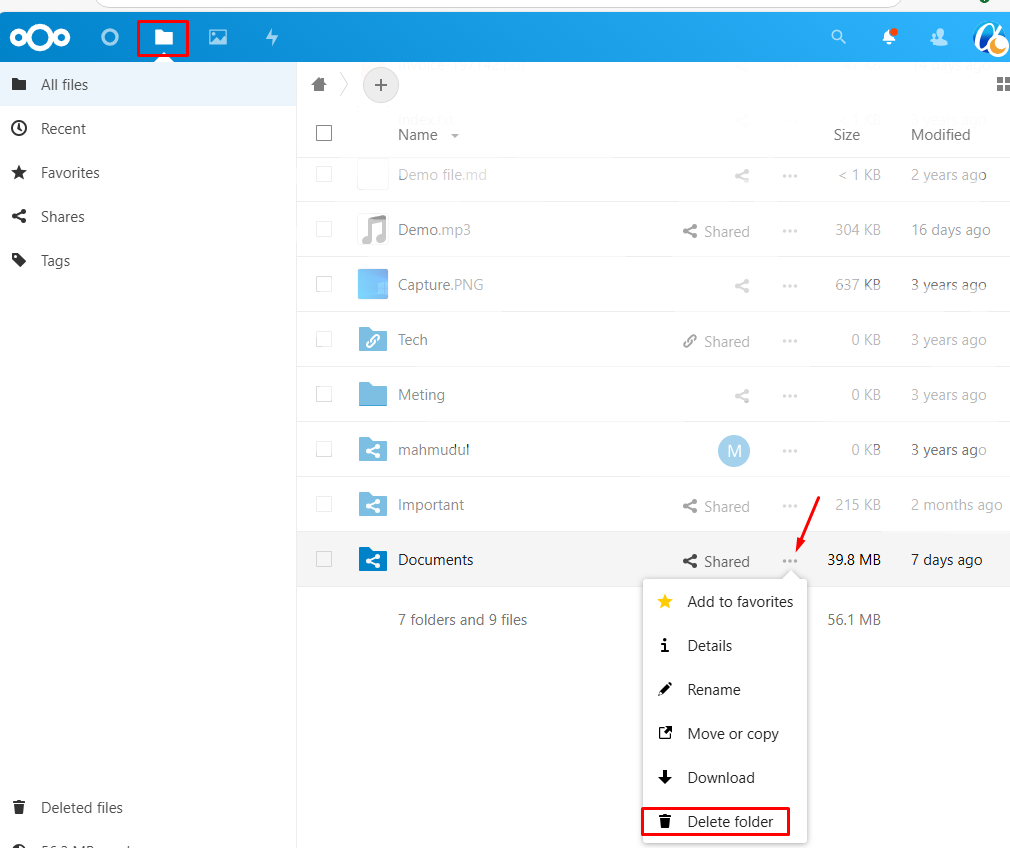
Navigate to the Files:
- Search for the specific files to be deleted.
-
Delete the Files:
- Select the file(s) to be removed.
- Click "Delete".
Step 5. Restore Files
Navigate to the Deleted Items,
-
Search for the File(s):
- Locate the file(s) you want to restore.
- Use the search bar if needed.
-
Restore the File(s):
- Select the file(s).
- Click "Restore"