To connect to an MSSQL database using SQL Server Management Studio, follow these steps:
Launch SQL Server Management Studio on your local computer.
Fill in the following:
Server Name: MySQL Server IP, Port Number
Authentication: SQL Server Authentication
Login: Your Database Username
Password: Your Database Password
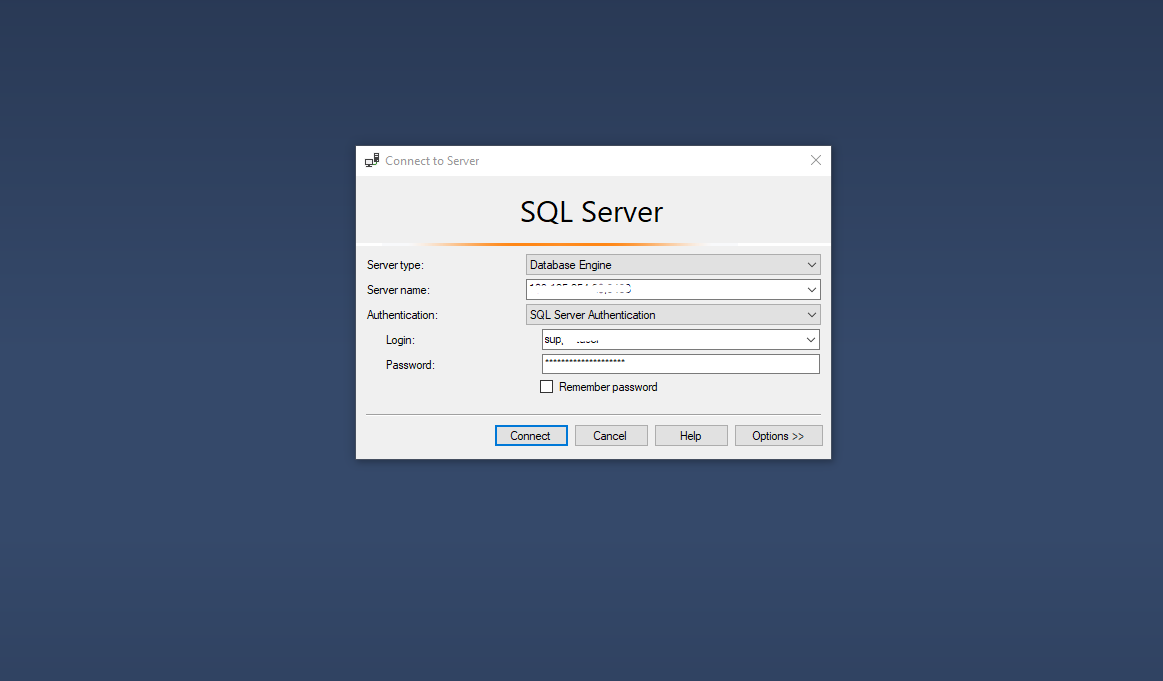
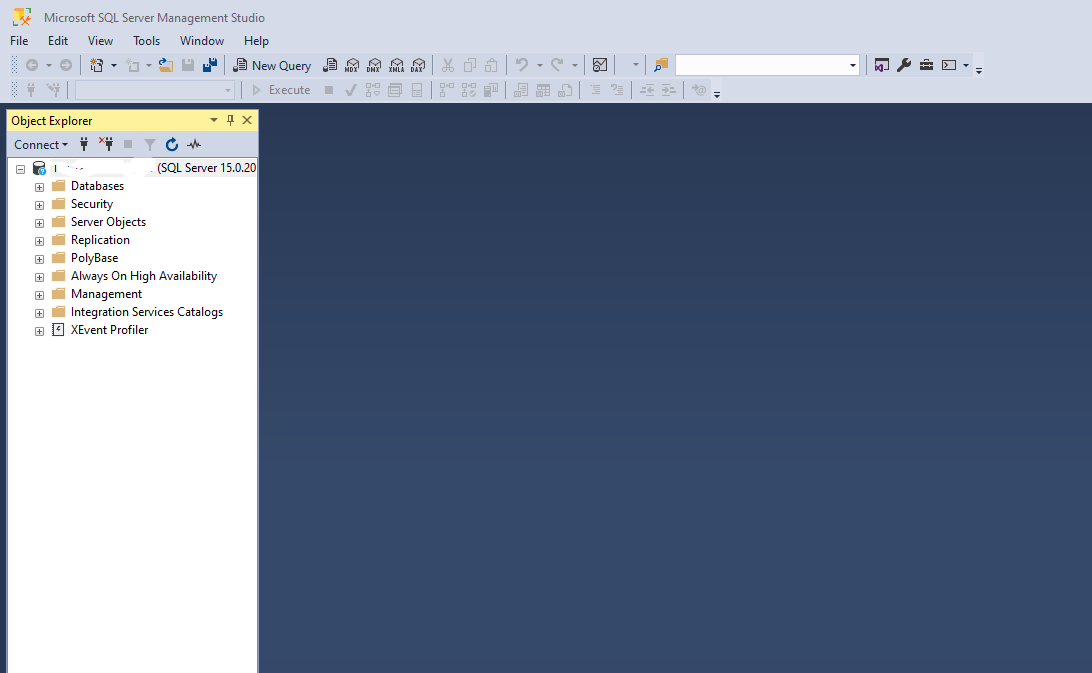
Click the "Connect" button to initiate the connection.
Note: If you have not received the required server information for your MSSQL database connection, and are facing any problem connecting, please open a new support ticket
