Step 1. Log in to cPanel.
The first step is to login to your cPanel account, this can typically be accessed by going to https://domain.com:2083
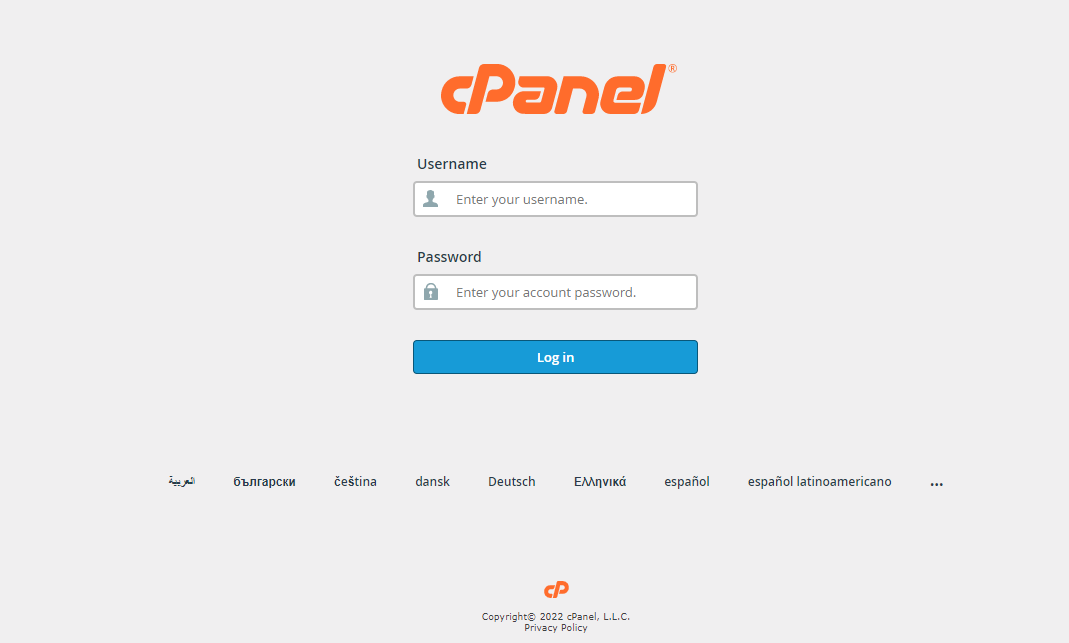
Your cPanel Homepage should look like this:
Step 2: Look into the EMAIL section, then click on Email Accounts.
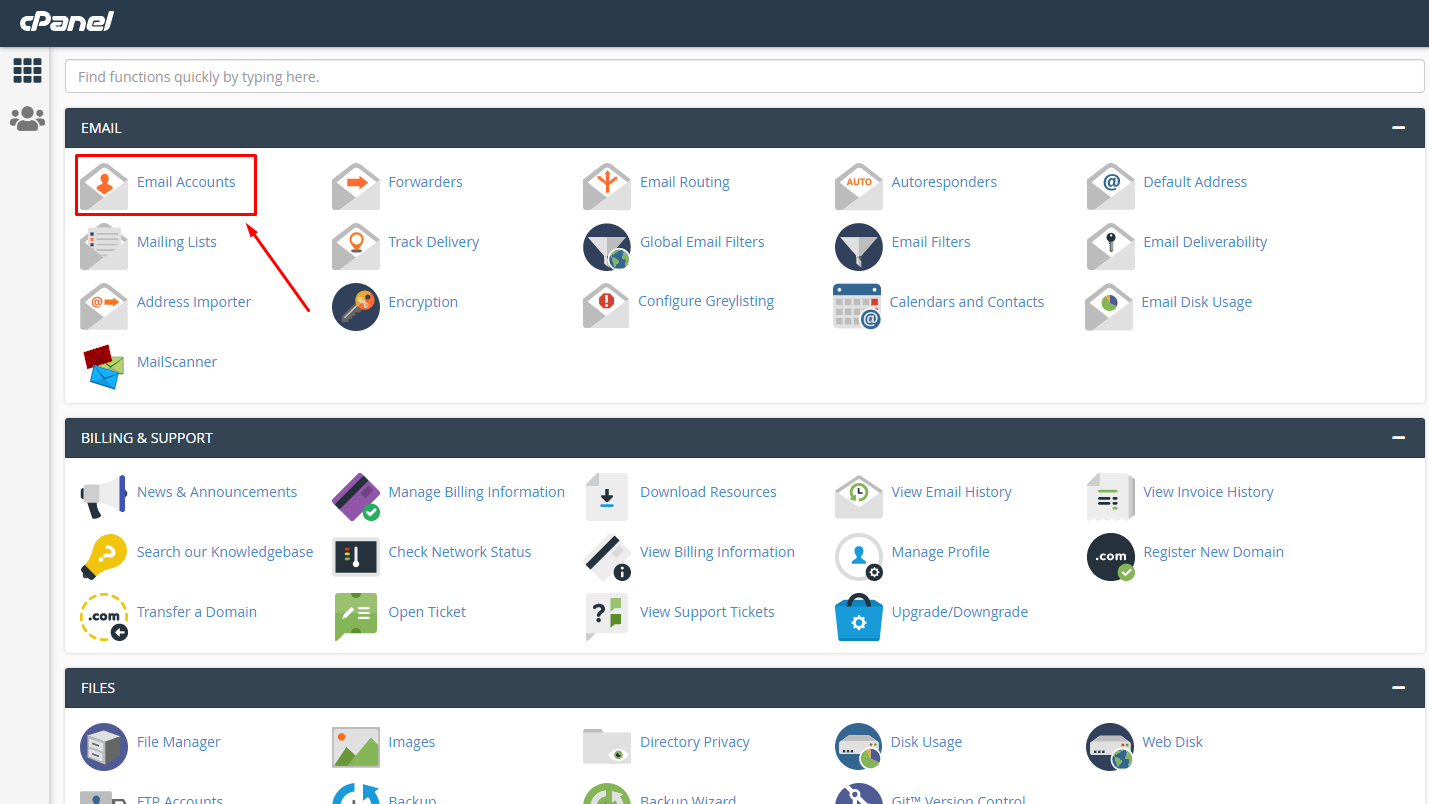
Note: different versions such as this Theme-Classic may not look like the image above, but should still contain the same concept and category structure.
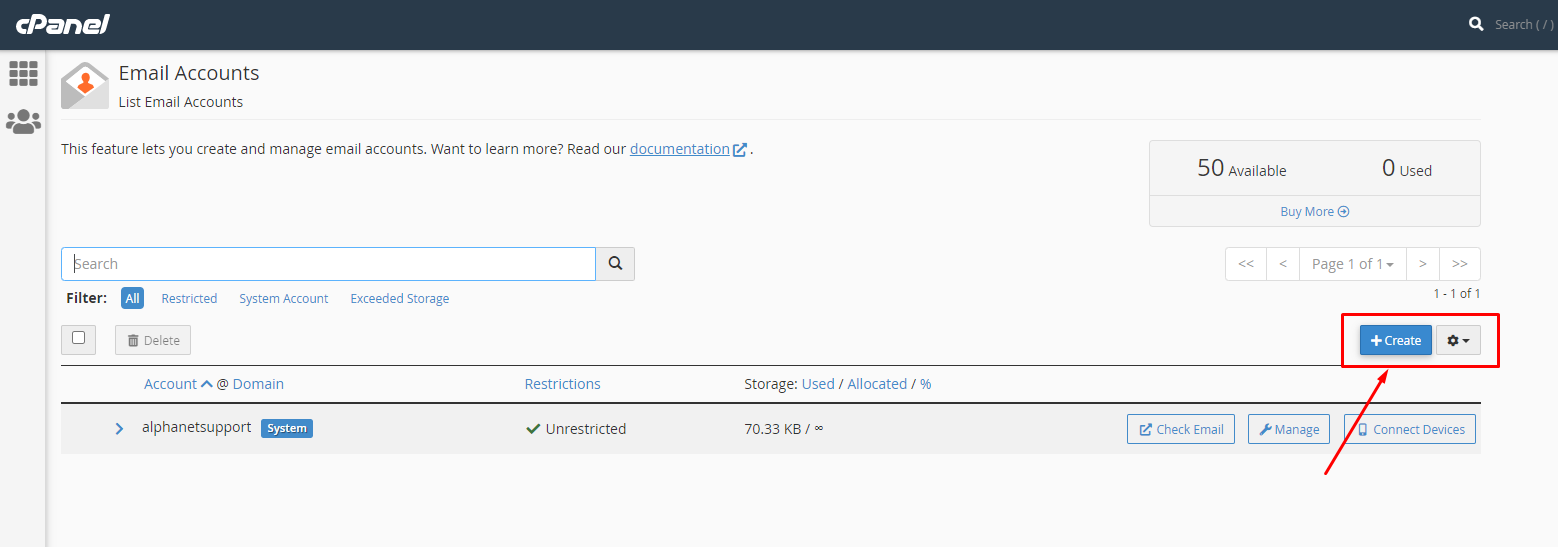
Step 3: Click the + Create button located on the right-hand side.
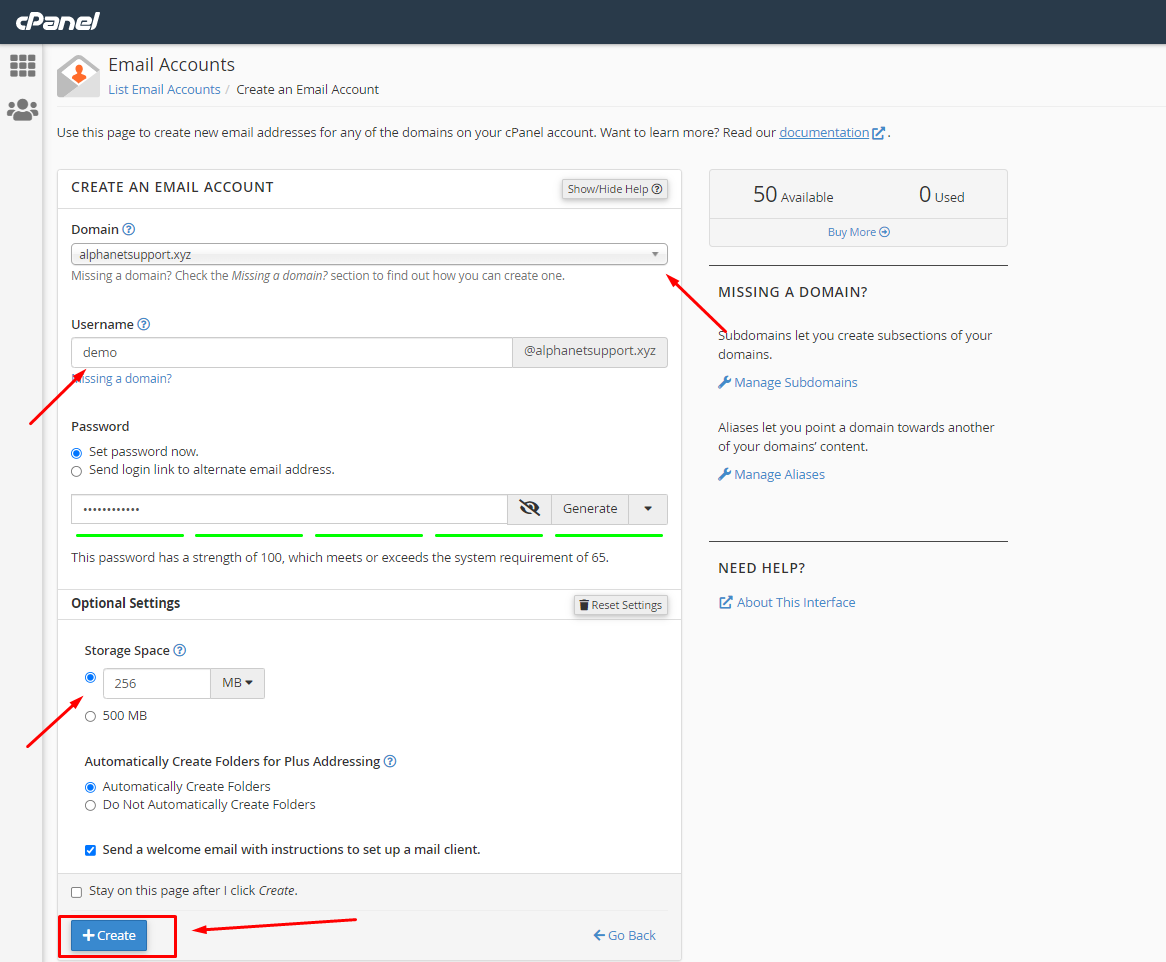
Step 4: Fill in the required fields:
- Email – create a name for your email box, for example, [email protected];
- Domain – select the domain, you wish to create an email for;
- Password – type the password for the email. Also, you can generate random password by pressing “Generate“;
- Password(Again) – type the same password again.
- Mailbox Quota – you can set a storage quota for your email box or check “500MB“.
- Optional selection of “Send welcome email with mail client configuration instructions“.
- Click + Create to finalize
Congratulations !! Now you know how to create Webmail Account.
